
Frequently Asked Questions - Tag: #exit

← Show All FAQs

Doors & Safety

How do I exit the building safely?
Press the green exit button located near the front door to unlock it for five seconds. All rear and basement doors are equipped with panic hardware for emergency exit. Always ensure doors close securely behind you when leaving.

Workspaces & Amenities

Where are all the building entrances and exits?

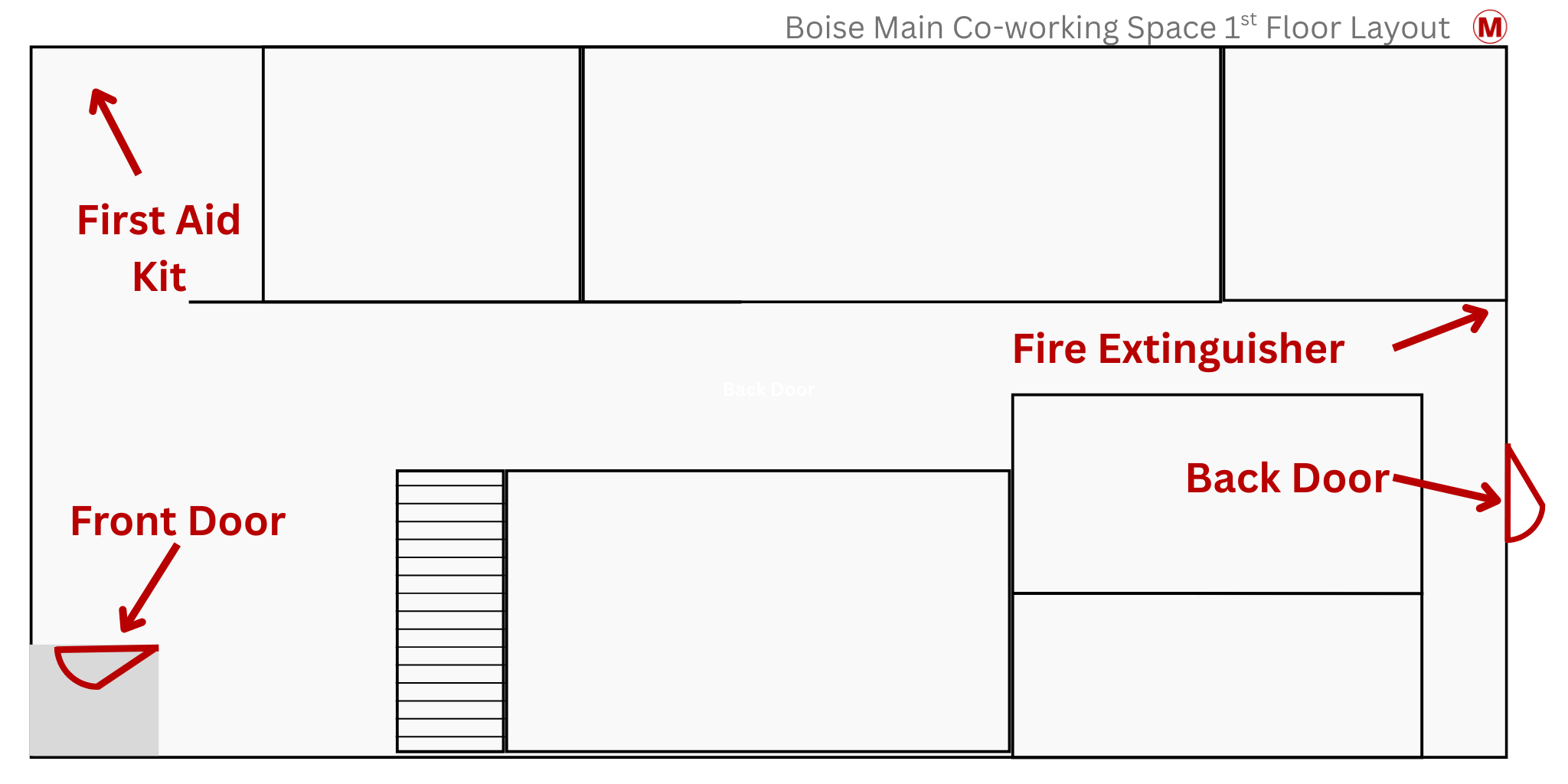
3 exits

Exit via the front door at the South East corner of the main floor - press the exit button  to unlock the door for 4 seconds. Re-entry only by digital code.

The back door is on the north side / alley side of the building.  It is a panic door you can use by pressing the open bar.   No re-entry through this door.

The basement back door is also on the north/alley side of the building and is also a panic door.  No re-entry through this door.


buildinglayout-safety.png